Download on the App Store
Description
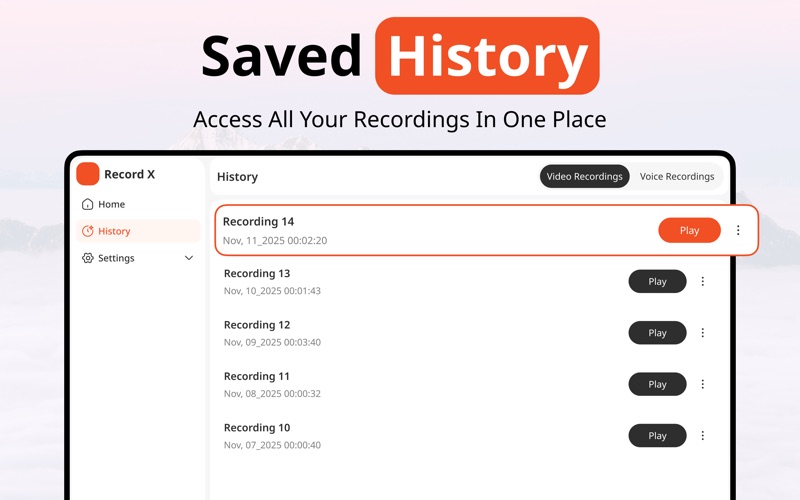
Record, Create, Share : All in One Screen Recording Studio
Capture your screen, voice, and ideas effortlessly with a powerful toolkit built for creators, educators, and professionals. Whether it’s tutorials, gameplay, presentations, or vlogs, this app makes recording and editing easier than ever.
Powerful Features
• Screen Recording: Capture your screen in high quality, seamlessly
• Voice Recording: Add clear narration or commentary while you record
• Speed Adjustment: Control video speed for slow-motion or fast-forward effects
• Video Transcription: Automatically generate accurate captions from your recordings
• Reaction Camera: Record your face alongside your screen for immersive reactions
• Video Editor: Trim, merge, add effects, text, and more directly in the app
• Teleprompter Script: Read your script while recording without losing flow
Why You’ll Love It
• All-in-one recording and editing, no need for multiple apps
• Perfect for tutorials, gaming, online classes, office work or social media content
• Easy-to-use interface designed for creators of all skill levels
• Share videos instantly with captions, effects, and reactions included
Subscription Plans :
• Weekly Plan: $6.99/week
• Monthly Plan: $9.99/month (3-day free trial)
• Yearly Plan: $39.99/year (3-day free trial)
• Lifetime Access: $59.99 (one-time payment — yours forever)
Note: Your subscription includes a 3-day free trial. Subscription auto-renews unless turned off at least 24 hours before the current period ends. Manage your subscription in iTunes settings. Any unused trial time is forfeited once a subscription is purchased.
Upgrade to Pro to access all premium features.
Legal & Policy Info:
By using this app, you agree to:
Terms of Use (https://sites.google.com/view/zainumerapps/terms-of-use)
Privacy Policy (https://sites.google.com/view/zainumerapps/privacy-policy)
Apple’s End User License Agreement (EULA)
Screenshots