Download on the App Store
Description
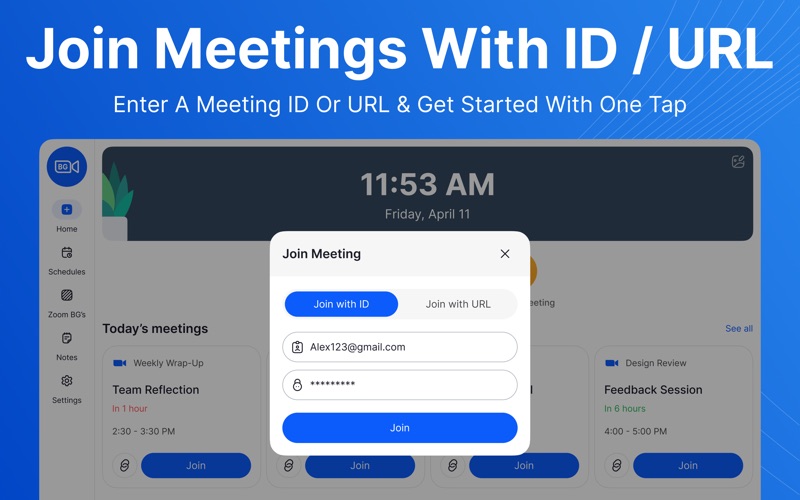
Join Meetings For Zoom is your all-in-one platform for effortless meeting organization and productivity. Designed to help you stay on top of your schedule, Z-Join brings together smart tools for planning, note-taking, and personalization, all in a clean and intuitive interface.
Disclaimer: It is an independent application and is not affiliated with or endorsed by Zoom Video Communications, Inc.
App Features:
-Meeting Scheduling: Create, edit, and manage meetings with just a few taps.
-Reminders & Notifications: Stay punctual with automatic alerts before every meeting. Customize reminder times to fit your workflow.
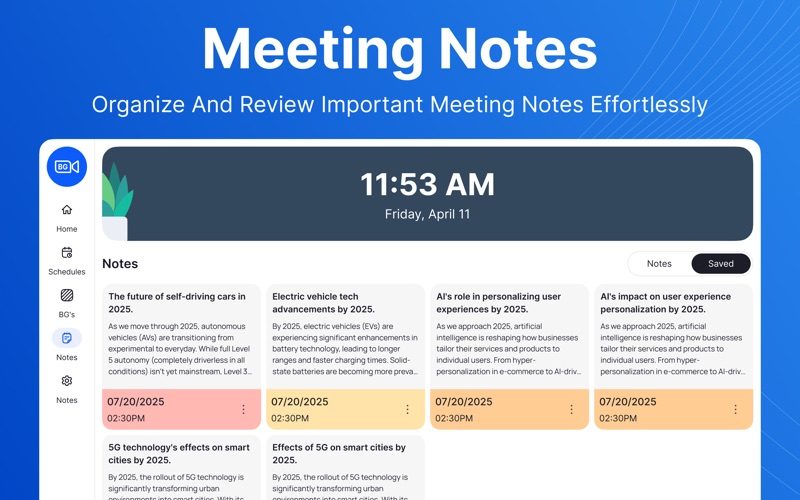
-Meeting Notes: Capture important discussion points, action items, and ideas directly within each meeting entry.
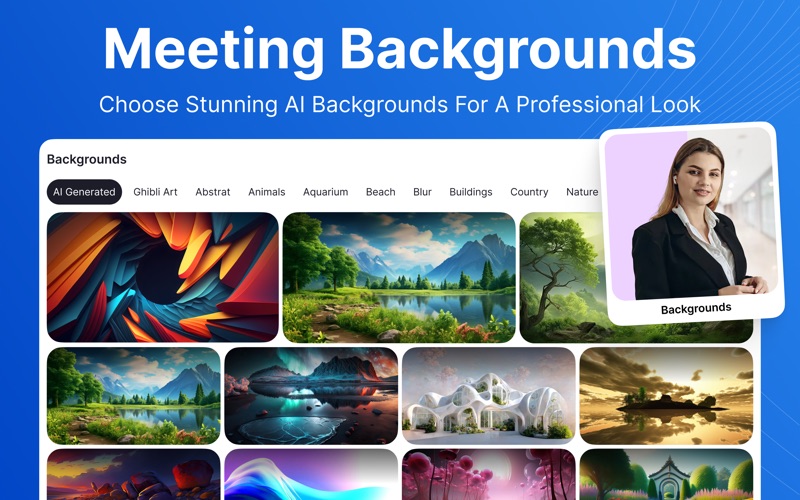
-Custom Backgrounds: Choose from a variety of professional and creative backgrounds to enhance your video call experience.
Z-Join helps you stay organized, prepared, and professional — whether you’re managing team meetings, client calls, or personal appointments.
Stay on schedule. Stay productive. Stay connected with Z-Meet.
Flexible Pricing :
Weekly Plan: $1.99/week
Monthly Plan: $3.99/month (3-day free trial)
Yearly Plan: $14.99/year (3-day free trial)
Lifetime Access: $29.99 (one-time payment, forever yours)
Note: Your subscription includes a 3-day free trial. Subscription auto-renews unless turned off at least 24 hours before the current period ends. Manage your subscription in iTunes settings. Any unused trial time is forfeited once a subscription is purchased.
Upgrade to Pro to access all premium features.
Legal & Policy Info:
By using this app, you agree to:
Terms of Use (https://sites.google.com/view/zainumerapps/terms-of-use)
Privacy Policy (https://sites.google.com/view/zainumerapps/privacy-policy)
Apple’s End User License Agreement (EULA)
Screenshots