
 Download on the Mac App Store
Description
**QuickBooks Pro – Smart Accounting & Bookkeeping**
QBooks Pro is a simple, powerful accounting and bookkeeping app for small businesses, shop owners, retailers, freelancers, and service professionals. Manage invoices, payments, expenses, cash flow, inventory, sales, customers, suppliers, and business reports from one place.
Whether you run a retail store, provide services, manage jobs, or work independently, Quick Book helps keep your business finances organized from your phone.
**COMPLETE BUSINESS ACCOUNTING**
Take control of daily accounting with tools designed to make bookkeeping faster and easier.
• Customer and supplier ledgers
• Cash book and cash flow tracking
• Business account management
• Income and expense tracking
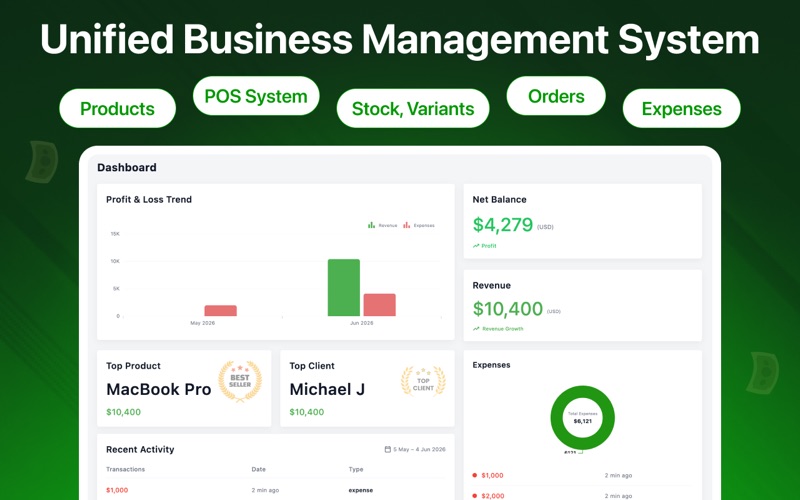
• Profit and loss reports
• Financial reports and summaries
• Budget management
• Tax reports
• Digital bookkeeping
• Accounting calculator
Keep your accounts updated and understand your business performance during every accounting period.
**INVOICES & SALES**
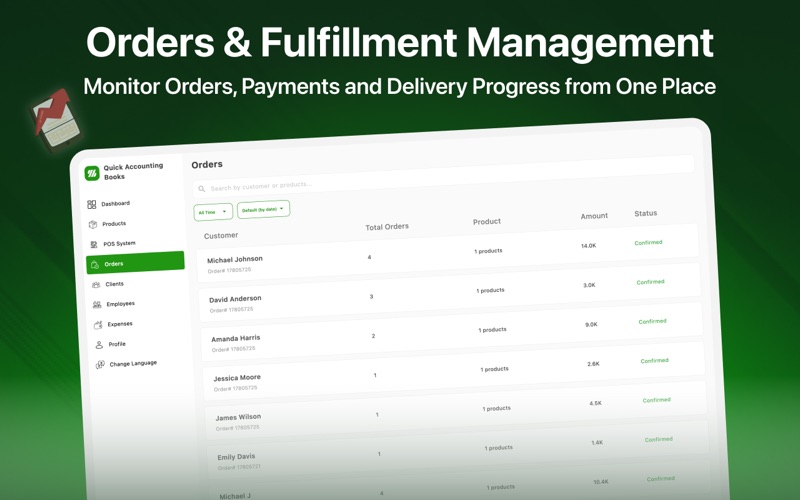
Create professional invoices, record sales, and track payments without complicated software.
• Invoice maker and management
• Customer invoices
• Invoice tracking
• Sales records and reports
• Payment tracking
• Receipt generation
• Payment reminders
Create, edit, update, and manage invoices quickly from your phone.
**POS & PAYMENTS**
Turn your phone into a convenient POS and payment management tool. Record cash and card payments, manage sales, and keep payment history organized. Depending on your region and supported services, payment options may include Apple Pay and other digital methods.
**EXPENSE & RECEIPT TRACKER**
Keep track of business expenses and receipts with tools for:
• Expense tracking and reports
• Receipt tracking and management
• Digital receipt storage
• Tax receipt records
• Purchase tracking
• Business expense history
**INVENTORY MANAGEMENT**
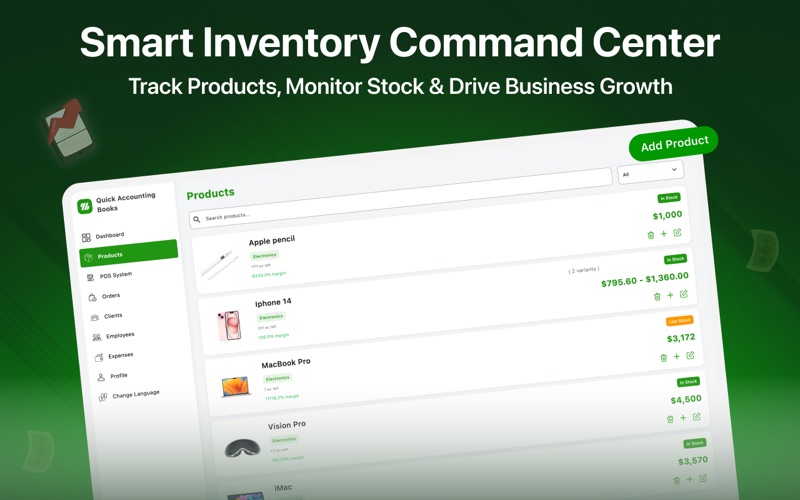
Manage products and stock while connecting sales and purchases with your business accounts.
• Product inventory
• Stock tracking
• Purchase records
• Supplier management
• Low-stock reminders
• Inventory reports and updates
Know what is in stock, what you have sold, and when inventory needs updating.
**TEAM & JOB MANAGEMENT**
Organize employee payments, staff expenses, services, and job-related records.
• Employee salary records
• Payroll tracking
• Staff payments
• Team expense management
• Service records
• Job tracking
• Payment history
Keep your team, services, jobs, and finances organized in one system.
**BUSINESS REPORTS & INSIGHTS**
Track sales, expenses, payments, cash flow, profit and loss, inventory, invoices, and overall business performance through clear, easy-to-understand reports.
**SIMPLE, FAST & SECURE**
Spend less time managing paperwork and more time running your business.
• Cloud data backup
• Multi-currency support
• Business dashboard
• Easy settings and editing
• Payment and invoice reminders
• Secure business records
**BUILT FOR SMALL BUSINESSES**
Ideal for retail shops, small businesses, freelancers, self-employed professionals, service businesses, retailers, shop owners, small teams, and businesses managing jobs and services.
Whether you are looking for an alternative to QuickBooks, Xero, Wave Accounting, Intuit, FreshBooks, Expensify, or SAP Concur, Q Book brings accounting, bookkeeping, invoicing, POS, payments, expenses, inventory, receipts, and reports together in one easy-to-use app.
**Q Books Pro — simple accounting for your business, wherever you work.**
Download Quick Accounts Book today and simplify your bookkeeping, accounting, and business finance management.
**NOTE: NOT ALL FEATURES ARE FREE. SOME FEATURES REQUIRE A PREMIUM SUBSCRIPTION.**
Apple Eula link : https://www.apple.com/legal/internet-services/itunes/dev/stdeula/
Privacy Policy link: https://docs.google.com/document/d/1ul6JAXXkdGKgfe9en6yF77u0EChQp32R/edit?pli=1
Screenshots