Download on the Mac App Store
Description
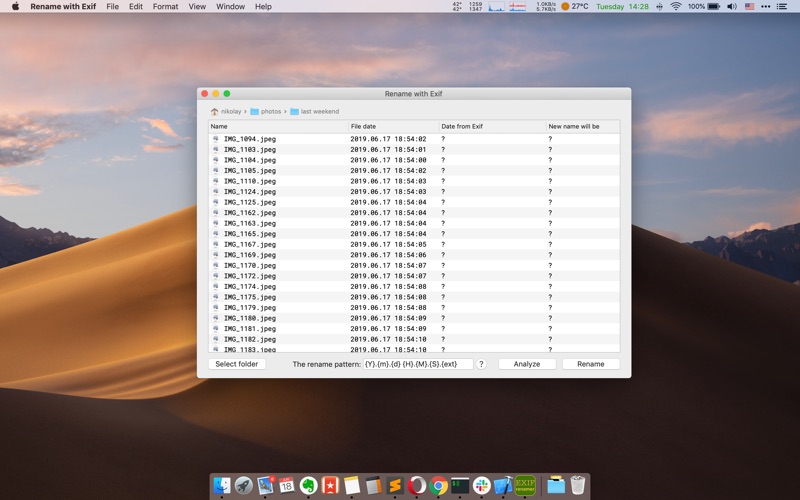
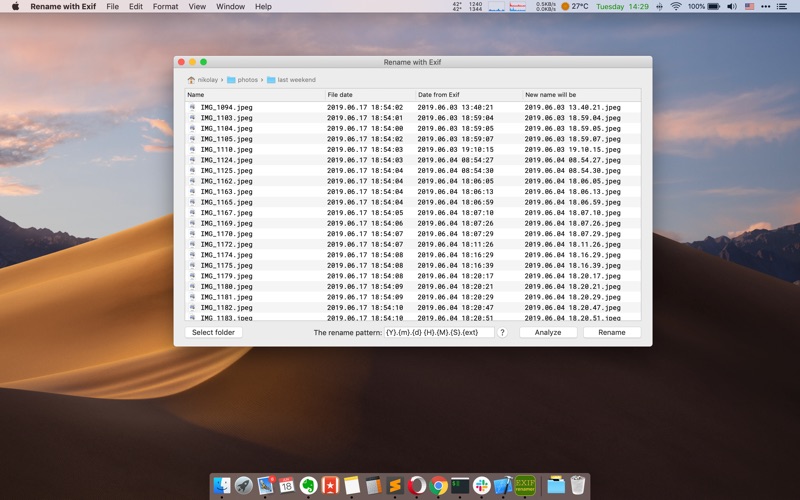
The application renames your photos using date from Exif (meta information in the file with photo).
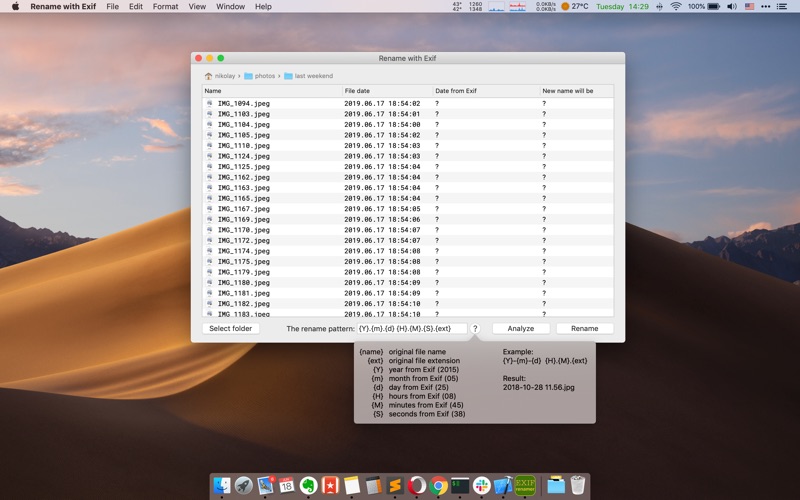
You can create different patterns for renaming based on the file name, file extension and pieces of date:
1) year
2) month
3) day
4) hour
5) minutes
6) seconds
Example:
– for file with name "IMG_1425.jpeg",
– date in the Exif "05/25/2019"
– and the pattern "{Y}-{m}-{d}_{name}.{ext}",
– the final name will be: "2019-05-25_IMG_1425.jpeg".
Screenshots