Download on the Mac App Store
Description
ScreenNote is a paint tool that allows you to draw shapes on the desktop like a canvas.
You can toggle its state (show/hide) by long pressing the modifier key or pressing the left & right side modifier keys (command, shift, option, control) simultaneously.
Let's use ScreenNote when you hold a workshop or perform a presentation.
Note: The developer may end support for older macOS without notice.
Terms of Service: https://www.apple.com/legal/internet-services/itunes/dev/stdeula/
Privacy Policy: https://kyome.io/privacy_policy/index.html?id=1258500140&lang=en
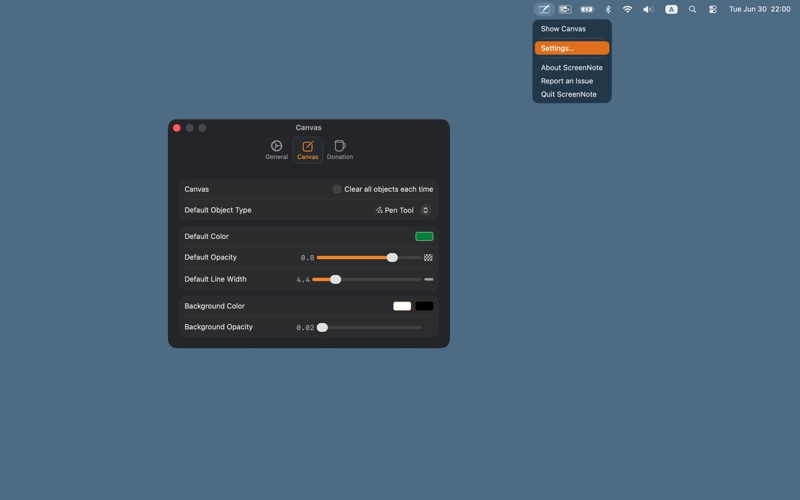
Screenshots