Download on the App Store
Description
Orbit : App for Discord
Orbit brings Discord access and useful AI-powered communication tools together in one convenient Mac app.
Access Discord directly through the built-in web view while using intelligent tools to generate questions, create answers, summarize messages, and improve your replies.
Features
Discord Web Access
Access Discord inside Orbit and stay connected with your servers, channels, messages, and communities from your Mac.
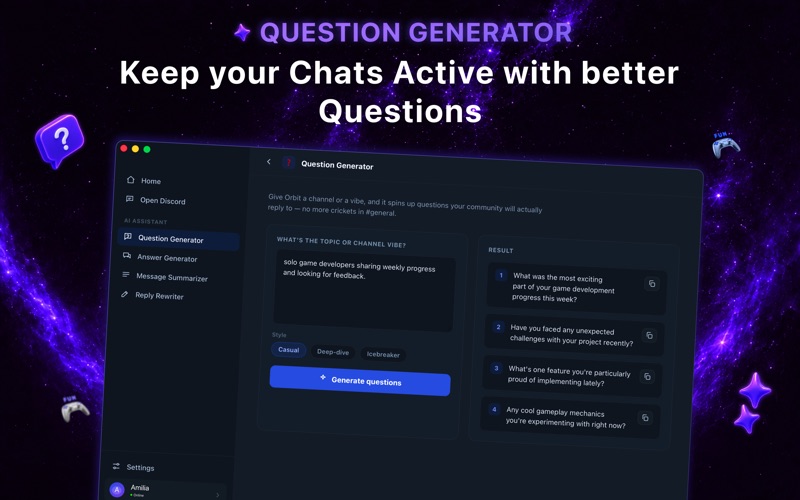
Question Generator
Generate relevant questions for conversations, discussions, brainstorming, learning, or community engagement.
Answer Generator
Create clear and helpful answers based on your questions or prompts.
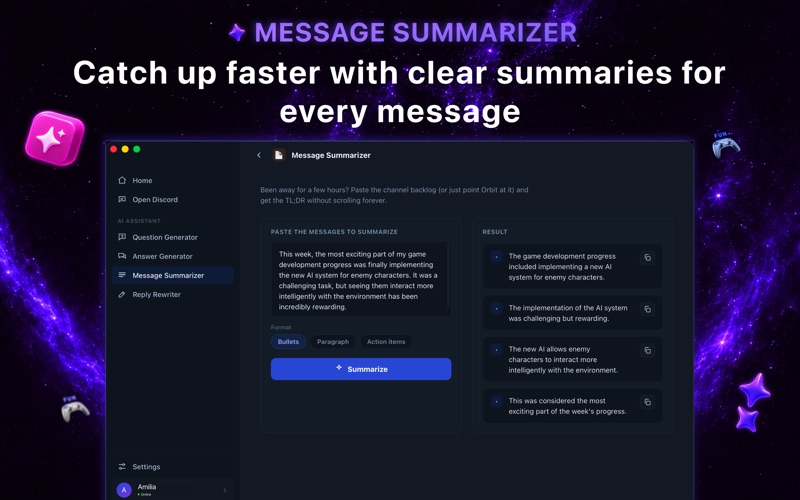
Message Summarizer
Turn long messages or conversations into concise summaries and quickly understand the important points.
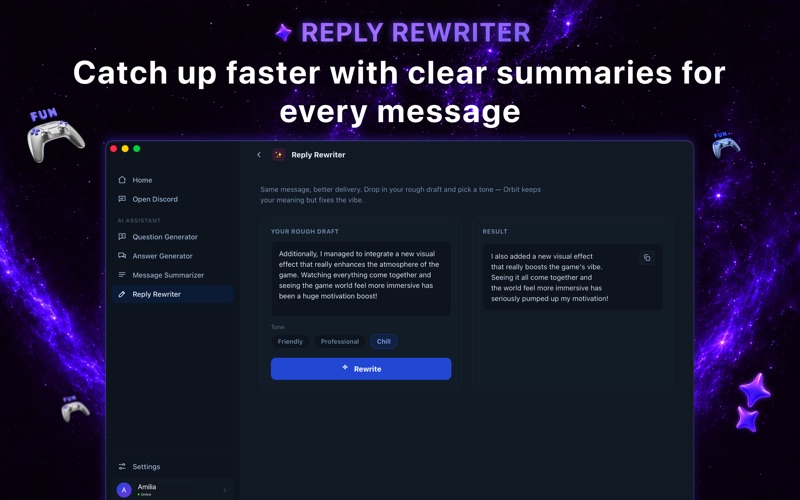
Reply Rewriter
Rewrite and improve your messages before sending them. Make your replies clearer, shorter, more professional, friendly, or easier to understand.
Designed for Mac
Orbit provides a clean and convenient desktop experience that combines web access with helpful AI-powered communication tools.
Independent App Disclaimer
Orbit : App for Discord is an independently developed application and is not affiliated with, endorsed by, sponsored by, or officially associated with Discord Inc. Discord, its name, trademarks, and related assets are the property of their respective owners.
Subscription Disclaimer
All subscriptions and payments are processed and managed by Apple through your Apple ID. Subscription benefits remain available according to your selected subscription plan while the app is available on the App Store.
Privacy Policy : https://appleapps.gt.tc/privacy-policy.html
Terms of use : https://appleapps.gt.tc/terms-of-use.html
EULA : https://appleapps.gt.tc/eula.html
Screenshots