Download on the App Store
Description
Notebook is your AI research and study partner. Add your sources — PDFs, websites, pasted text, research topics — and Notebook answers only from them, with numbered citations you can trace back to the exact source.
No hallucinated facts. No generic answers. Your sources, understood.
GROUNDED CHAT
• Ask anything — every answer cites its sources inline
• A legend under each reply maps every citation to the source it came from
• Streaming answers, beautiful markdown, one-click save to notes
STUDIO — ONE CLICK FROM SOURCES TO STUDY MATERIAL
• Flashcards — an active-recall deck with flip, shuffle and mastery tracking
• Quiz — multiple choice with explanations and a score to beat
• Audio Overview — two AI hosts discuss your sources, podcast-style
• Video Overview — narrated slides, auto-generated
• Reports — study guide, briefing, FAQ and timeline
• Mind Map, Infographic, Data Table and Slide Deck
BUILT FOR RESEARCH
• Fast or Deep Research: type any topic and get a dense, sourced note
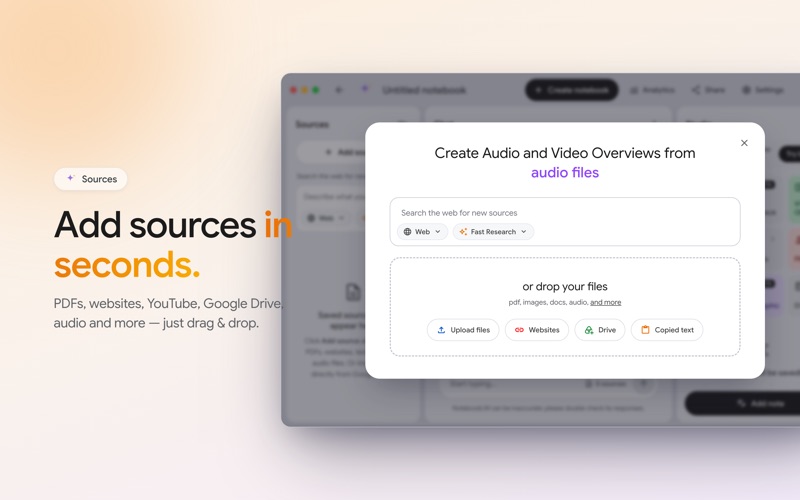
• Import PDFs (with text extraction), websites, markdown and clipboard text
• Everything organized into notebooks with search, sort and notes
DESIGNED FOR MAC
• A fast, native app with a clean three-panel layout
• Gorgeous light and dark appearance
• Your library stays on your Mac; answers are generated securely in the cloud
PREMIUM
Unlock unlimited Deep Research, longer audio overviews, unlimited video and
slides, and bigger decks. Weekly or yearly — cancel anytime in the App Store.
Notebook can make mistakes — always double-check important answers against
your sources.
http://kanjan-87080.web.app/terms
http://kanjan-87080.web.app/privacy
Screenshots