Printer App - All Printers
By Muhammad Majid Jhangir
- Category: Utilities
- Developer: Muhammad Majid Jhangir
 Download on the App Store
Description
Printer App - All Printers is a complete macOS printing toolkit for scanning, OCR, editing, and printing documents from one clean desktop workspace.
Works with popular printers and scanners including HP, Canon, Epson, Brother, and more via AirPrint and macOS system printing. Use it to scan paper documents, import files, extract and edit text, create custom draw-and-print pages, and print or save polished PDFs without jumping between multiple apps.
SCAN, IMPORT, AND ORGANIZE DOCUMENTS
- Scan from connected scanners directly on your Mac
- Import photos and PDFs from local files
- Handle multi-page documents with easy page selection
- Choose which pages to print or export as PDF
SMART OCR + EDITABLE OUTPUT
- Extract text from scanned pages and image-based PDFs
- Edit recognized text before printing
- Keep figure captions and two-column layouts where possible
- Clean up document content for better final output
DRAW & PRINT CANVAS
- Create blank-page printouts with freehand drawing tools
- Add and edit text with font styles, size, color, and alignment
- Insert images and position/resize content visually
- Use undo/redo and export your canvas as PDF
PRINTING TOOLS FOR DAILY WORK
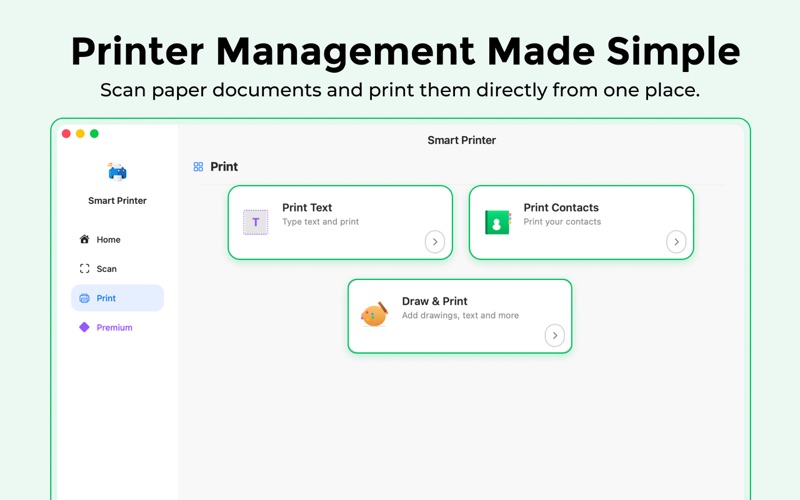
- Print text notes quickly
- Print contacts in a clean, readable format
- Preview photos and files before printing
- Save edited scans and custom pages as PDFs
BUILT FOR MACOS
- Native macOS experience with keyboard and mouse workflows
- Supports Light and Dark mode
- Fast desktop UI for scanning and document prep
FREE VS PREMIUM
Free:
- Try core printing and scanning tools with limited free uses
Premium (Subscription or Lifetime):
- Unlimited scans and prints
- Advanced OCR workflows
- Full draw-and-print canvas tools
- Access to all premium features
TERMS AND PRIVACY
Privacy Policy: https://sites.google.com/view/smartprinterappmacos/privacy-policy
Terms of Service: https://sites.google.com/view/smartprinterappmacos/terms-and-condition
This app is subject to Apple's Standard End User License Agreement.
https://www.apple.com/legal/internet-services/itunes/dev/stdeula/
Screenshots