Download on the App Store
Description
Lock your keyboard in one tap so you can wipe it clean — without typing gibberish, closing windows, or locking your whole screen.
WHAT IT DOES
• One tap (or ⌃⌥L from anywhere) blocks every key
• Cleaning timer auto-unlocks after 30s / 1m / 2m — or Hold to stay locked
• Pet & kid guard: stop cats and toddlers from messing things up
• Your screen stays on so you can see what you're wiping
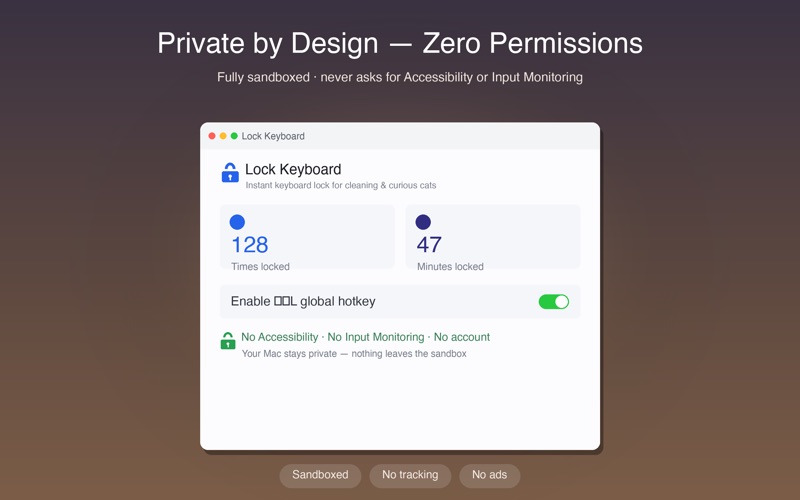
NO PERMISSIONS, FULLY PRIVATE
• Never asks for Accessibility or Input Monitoring
• Runs fully sandboxed — nothing leaves your Mac
• No account, no ads, no tracking
Press ⌃⌥L to lock or unlock anytime. The menu-bar lock is always one click away.
Screenshots