Download on the App Store
Description
Split screen, resize, move. Move and resize windows with ease.
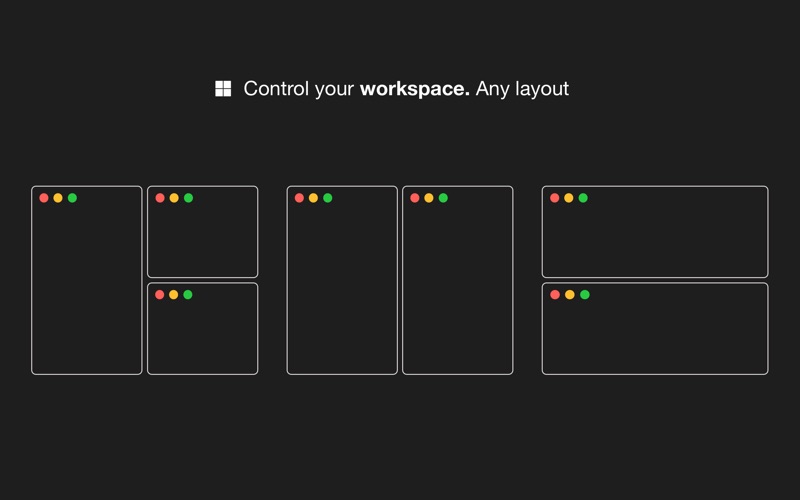
With Windows Snap, you can organise your workspace the way you want it. Put windows side by side, tile, stack, compare, and multitask. Select from predefined layouts, use keyboard shortcuts, or transform windows by dragging them to one of the screen's edges.
HOW TO USE IT
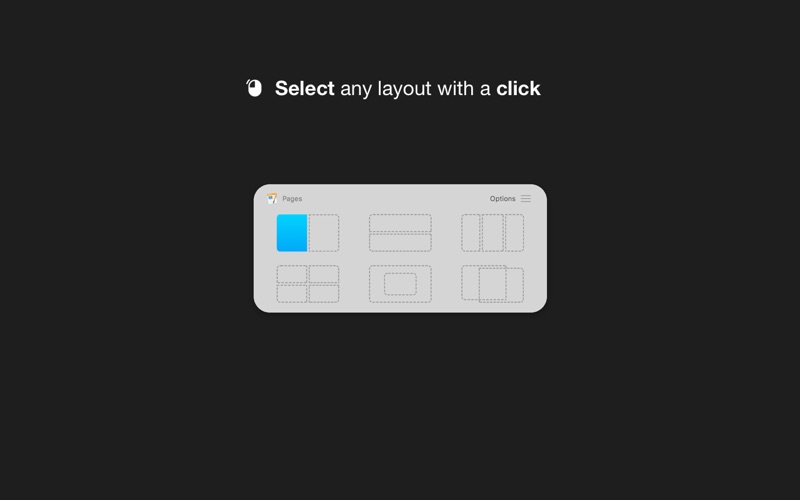
• Use a keyboard shortcut or press the menubar icon to show the possible layouts on your screen or in the Touch Bar. Clicking on any option will move and resize your front window
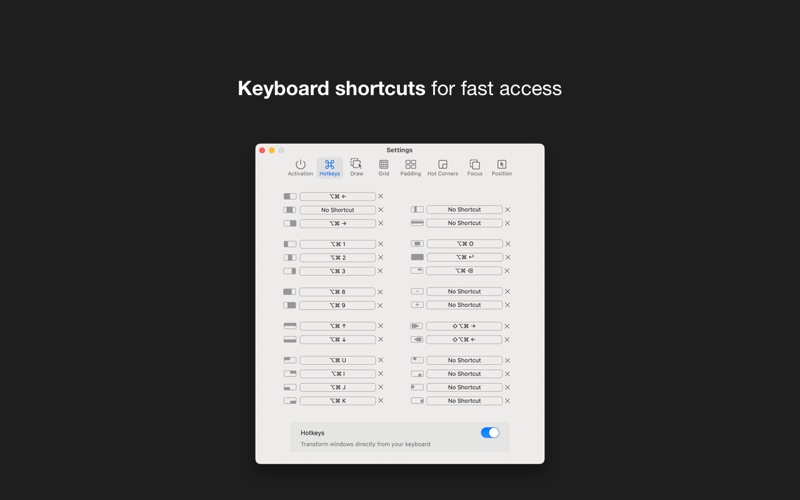
• You can also transform windows with a keyboard shortcut directly
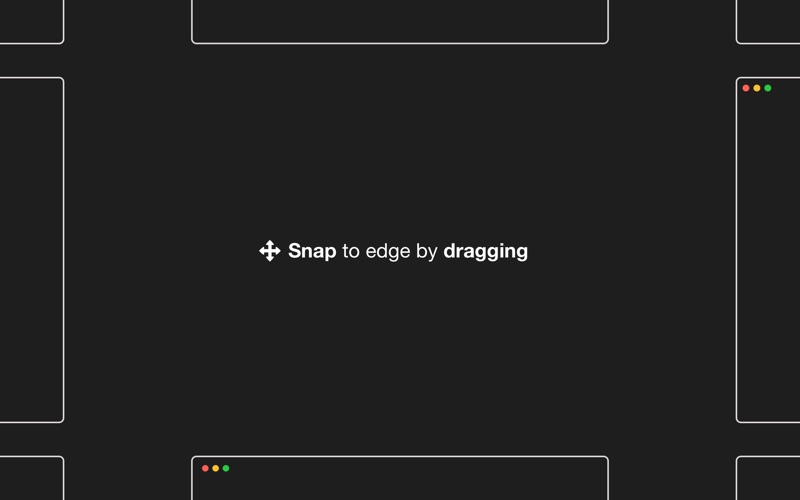
• Or you can drag any window to one of the screen's edges to resize and snap it fast
FEATURES
• Make multitasking easier and faster
• Show all the possible layouts with a keyboard shortcut (Alt + Enter by default and customisable) or by clicking the menubar icon
• Transform windows with keyboard shortcuts
• Drag windows to any screen edge or corner and snap it half screen
• Put windows side by side, tile, stack, move, and resize
• Single app focus: focus on one app, hide the others
• Easy to use and access, quick and elegant, no complicated options
We read your support emails every day, day by day.
Write with confidence any question, feedback, or complaint, and you will receive an answer in a very short period of time.
We offer two auto-renewing subscriptions and a one-time payment option:
• Basic, a 1 Month subscription
• Premium, a 12-month subscription
• Lifetime access: one-time payment only
Prices may vary by location.
Subscriptions will auto-renew unless canceled.
• Payment will be charged to the iTunes Account at confirmation of purchase
• Subscription may be managed by the user, and auto-renewal may be turned off by going to the user’s Account Settings after purchase.
• No cancellation of the current subscription is allowed during the active subscription period.
• Subscription automatically renews unless auto-renewal is turned off at least 24-hours before the end of the current period.
• Your account will be charged for renewal for the amount of your current subscription within 24 hours prior to the end of the current period. All costs for subscriptions are mentioned above.
Privacy Policy
https://alexdenk.eu/subscriptions-privacy-policy.html
Terms of Use
https://alexdenk.eu/subscriptions-terms-of-use.html
Screenshots