Download on the App Store
Description
Focus Sessions is a simple utility that can block applications and websites. It can be used as a parental control system or a self-control tool. It makes the computer safer for your kids and for everyday work.
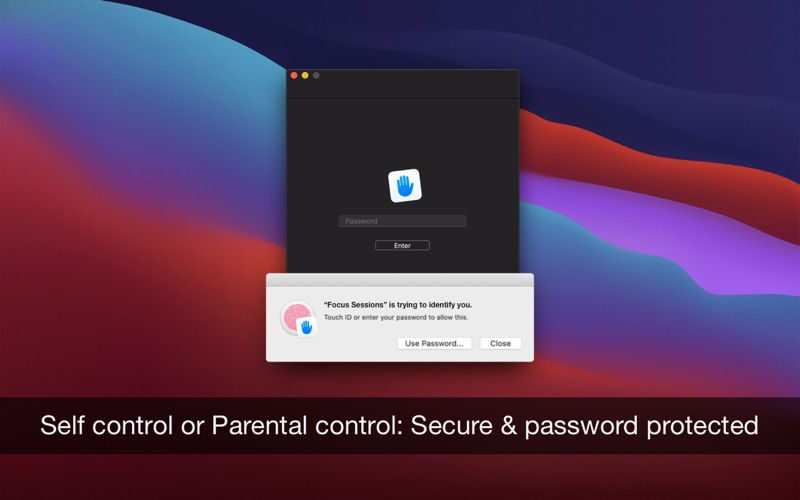
You can password-protect Focus Sessions and keep the preferences private from your kids. The app stores the configuration in an inaccessible location, and no one can quit or disable the application, not even your smart kid with IT skills.
• Focus, self-control: disable distracting websites and applications, keep your work focus, create habits
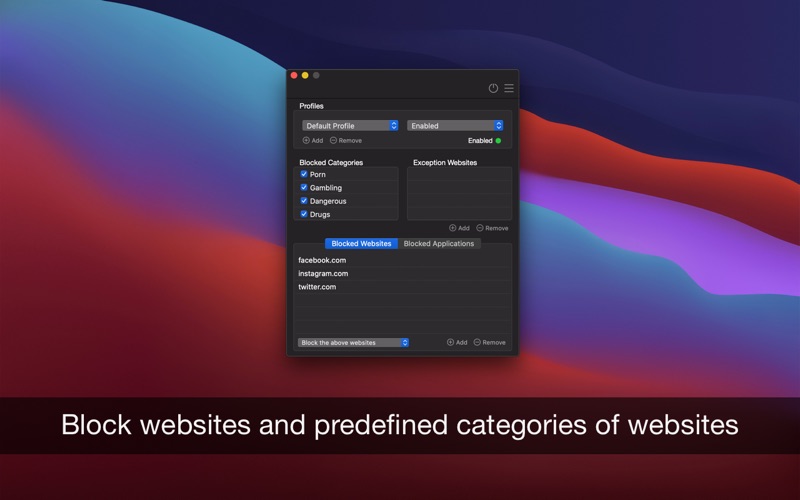
• Parental Control: block inappropriate websites or give access only to specific websites and make the navigation safer for education and casual access. Lock applications, create schedules, and keep your kids safe. The app comes packed with predefined dangerous sites, making it easier to set up a safe environment
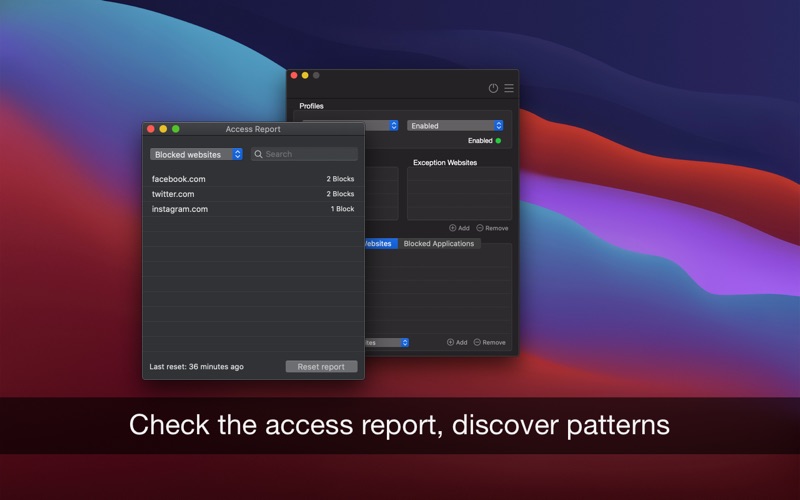
• Access report: what sites and apps were opened or blocked on your computer
USAGE EXAMPLES
• School time: configure a recurrent session to lock all social apps and games from 8 AM to 13 PM every workday
• Dinner time: start a session now and lock work and productivity apps only for the next 3 hours
• Important meetings: lock entertainment apps and websites only tomorrow from 14 PM to 16 PM
FEATURES
• Easy to use, there is no system configuration required
• Password-protect the app (including Touch ID), keep preferences private, so the app cannot be disabled or closed
• Websites are blocked in Safari (including Technology Preview), Chrome (including Canary), Edge, Opera, Brave, and Vivaldi
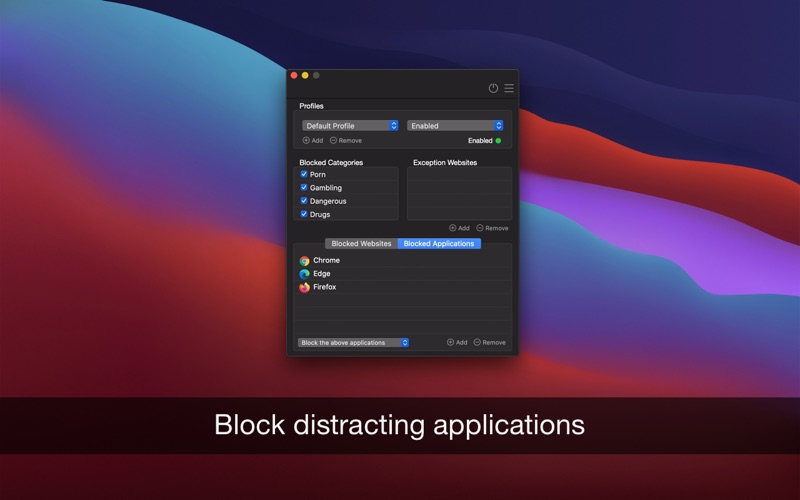
• You can lock any app on your computer
• Block custom domains or give access only to specific websites. Block URLs and keywords
• Block applications or give access only to specific applications
• Check the access report, what sites and apps were opened or blocked on your computer
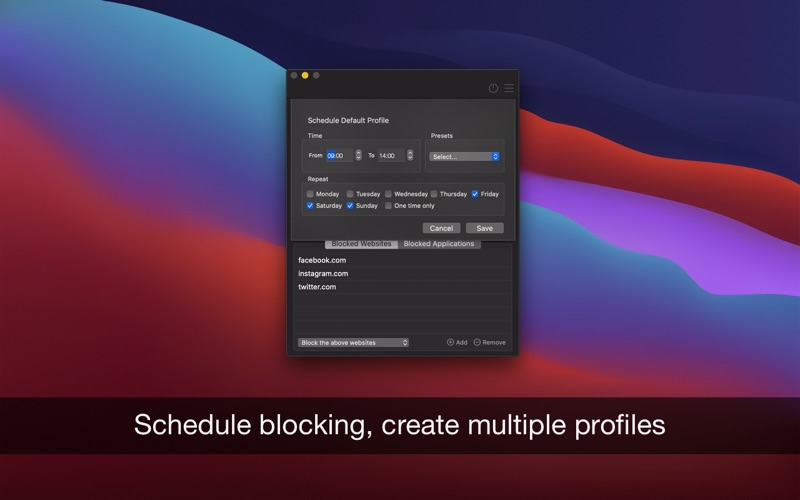
• Schedule blocking by specifying days, hours, or intervals
• Create multiple profiles, activate them individually, or schedule each one when you need them
• The app predefines over 400.000 domains with inappropriate content, and a lot more domains are blocked by keywords
• Create backups, export, and import lists of domains and keywords
We read your support emails every day, day by day.
Write with confidence any question, feedback, or complaint, and you will receive an answer in a very short period of time.
We offer two auto-renewing subscriptions and a one-time payment option:
• Basic, a 1 Month subscription
• Premium, a 12-month subscription
• Lifetime access: one-time payment only
Prices may vary by location.
Subscriptions will auto-renew unless canceled.
• Payment will be charged to the iTunes Account at confirmation of purchase
• Subscription may be managed by the user, and auto-renewal may be turned off by going to the user’s Account Settings after purchase.
• No cancellation of the current subscription is allowed during the active subscription period.
• Subscription automatically renews unless auto-renewal is turned off at least 24-hours before the end of the current period.
• Your account will be charged for renewal for the amount of your current subscription within 24 hours prior to the end of the current period. All costs for subscriptions are mentioned above.
Privacy Policy
https://alexdenk.eu/subscriptions-privacy-policy.html
Terms of Use
https://alexdenk.eu/subscriptions-terms-of-use.html
Screenshots