
 Download on the App Store
Description
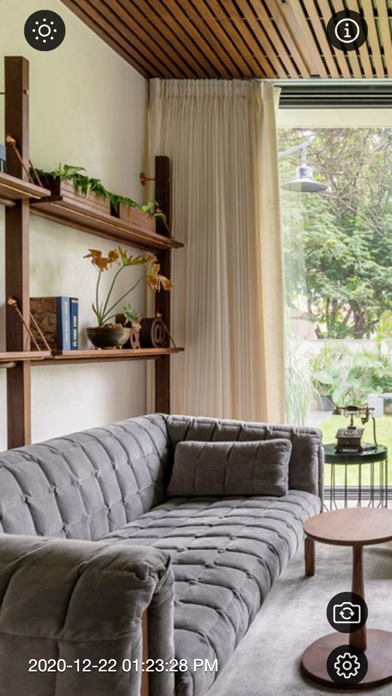
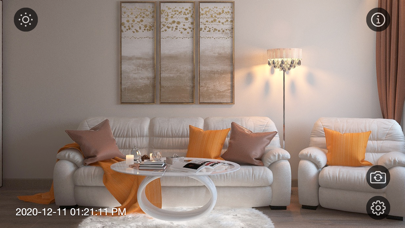
Motion Detector Camera is a camera surveillance app, that uses the built-in camera to detect movements in the surrounding area using an advanced motion detection algorithm. If it detects movement, it can sound beep to notify you.
When the motion detection camera detects changes, it starts recording automatically. It will detect any moving object within camera view. This app enables you to use your iDevice as a remote surveillance camera with motion detection functionality.
Features:
- Support both front/back camera.
- Support both portrait/landscape mode.
- Camera pinch to zoom specific area.
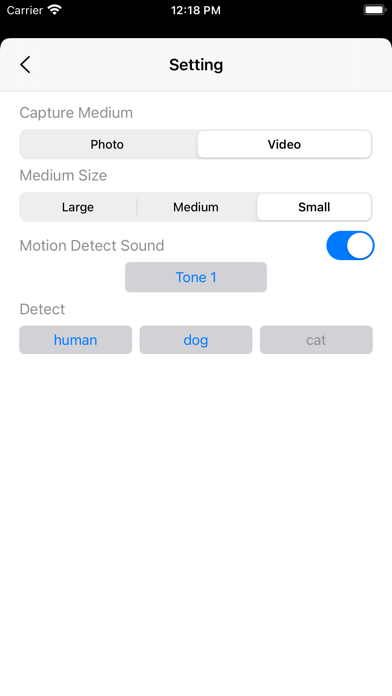
- Video/Image size range from 4k[supported device only]/fHD or HD
- Switch between video or photo mode.
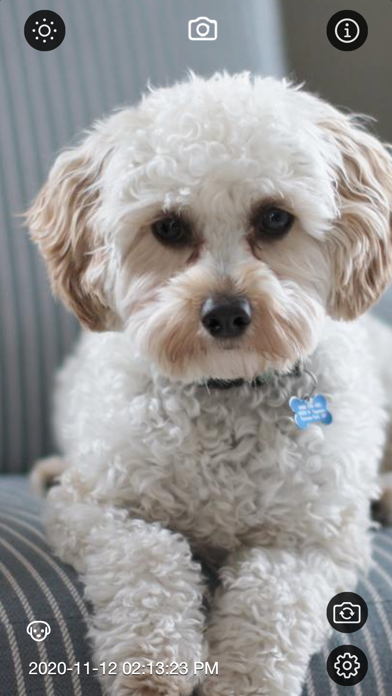
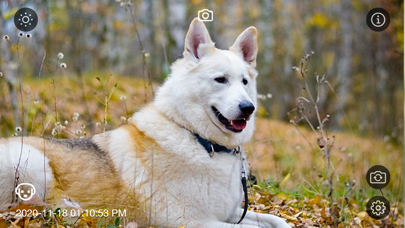
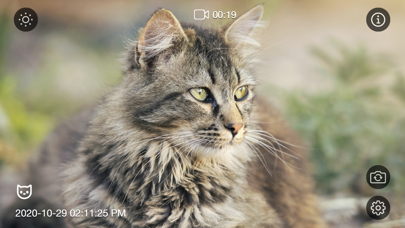
- Detect Human, Cat or Dog.
- Option to dime screen while recording.
- Icon indicator while recording/photo capture.
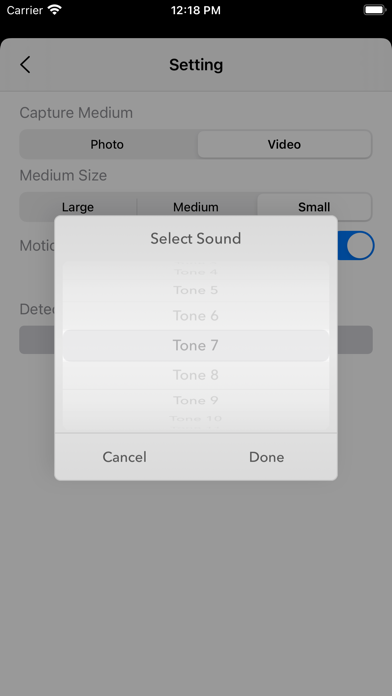
- Option to sound beep when motion detected.
- Option to select difference sound tone for motion detection.
- Surveillance images/videos are saved in the photo library for fast and easy access.
- All images/videos are stored inside camera roll / Motion Detecter album.
- Image capture with date, time, plus object type icon embed.
- Video name with date, time and object type. E.g. 20200815-0530PM-dog.mp4
Tips:
- Specific object you want to detect, select cat if you need to detect cat only. All other objects will be ignored.
- Use dime screen option for battery saver.
- Tap on the dime screen icon to dime screen. To wake up the screen just tap on the screen again.
- Pinch to zoom to a specific area for monitoring.
- Use small video/image size for smaller storage/energy footprint.
- When in photo capture mode, images are captured for every 3 second interval.
- In video capture mode, video capturing start once object is detected, video capturing stop when object is missing from the camera view.
Usage:
- Pet Monitor, see what your dog and cat are doing while you are busy.
- Help secure homes and detects someone is in your home when they shouldn't be.
- Anything else you can imagine.
Thanks for your support and do visit nitrio.com for more apps for your iOS devices.
Screenshots